Setup A Powershell Profile
Contents
Create a $Profile without Admin Privileges
Like ~/.bashrc for bash, a
Powershell profile
allows you to load aliases or functions when you open a new terminal. While
there are technically
6 Powershell profiles,
we are only concerned with $Profile, which aliases to
$Profile.CurrentUserCurrentHost.
-
Open powershell and create a profile file if it does not exist.
1
2
# New-Item = bash's touch New-Item -Path $Profile -ItemType "file" -
(Required only on Windows) Set your ExecutionPolicy to allow local scripts.
Set-ExecutionPolicy RemoteSigned -Scope CurrentUser -Force -
(Recommended if Admin) Add %Program Files% to $PATH
[Environment]::SetEnvironmentVariable(
"PATH", "$PATH;$ENV:ProgramFiles", "Machine") -
(Optional) Edit your profile with
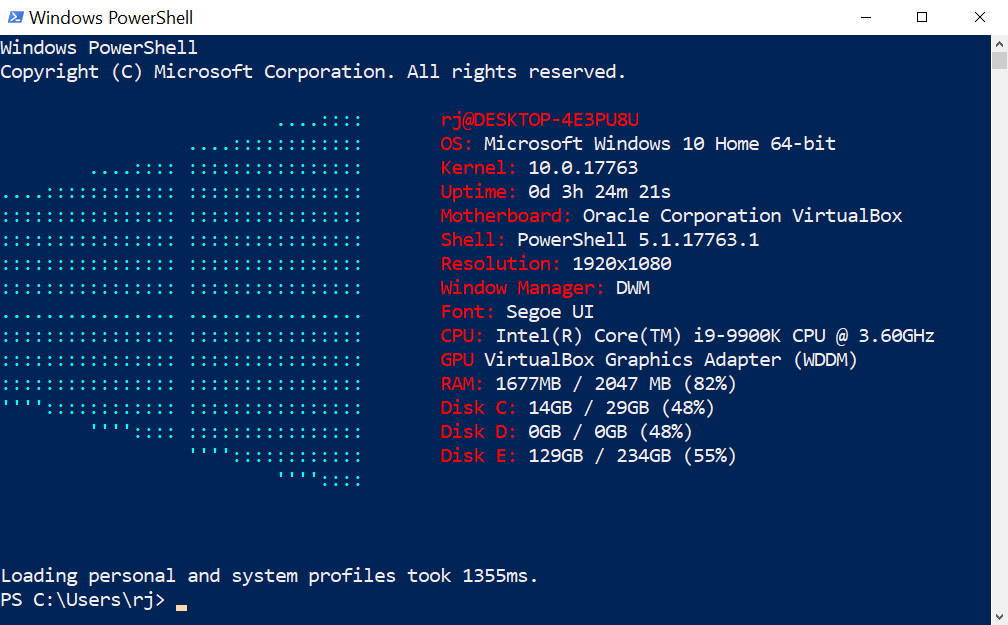
Start notepad $Profileon Windows /nano $Profileon *nix. Some people like to add Useful Functions while others like tricking out their consoles with 🎛module paths, ⛈️weather, and 👽aliens. I like Windows-Screenfetch (AddScreenfetch 2> $Nullto your$Profile)